Renewable Energy Guide
Managed IT for Renewable Energy Field Teams: What to Expect
A field supervisor cannot complete a handover because the shared tablet is still signed in to someone else's account. A technician arrives at a site with an outdated document. An office colleague knows how to fix a recurring application problem, but is unavailable when the next shift starts.
Managed IT for renewable-energy companies should address the way office and field teams actually work. That includes devices, accounts, collaboration tools, support arrangements, and access to recoverable business information.
When choosing a provider, begin with the tasks that people must complete and the places where they work. A service that fits a single office may need different arrangements for travelling staff, remote sites, shared equipment, and external partners.
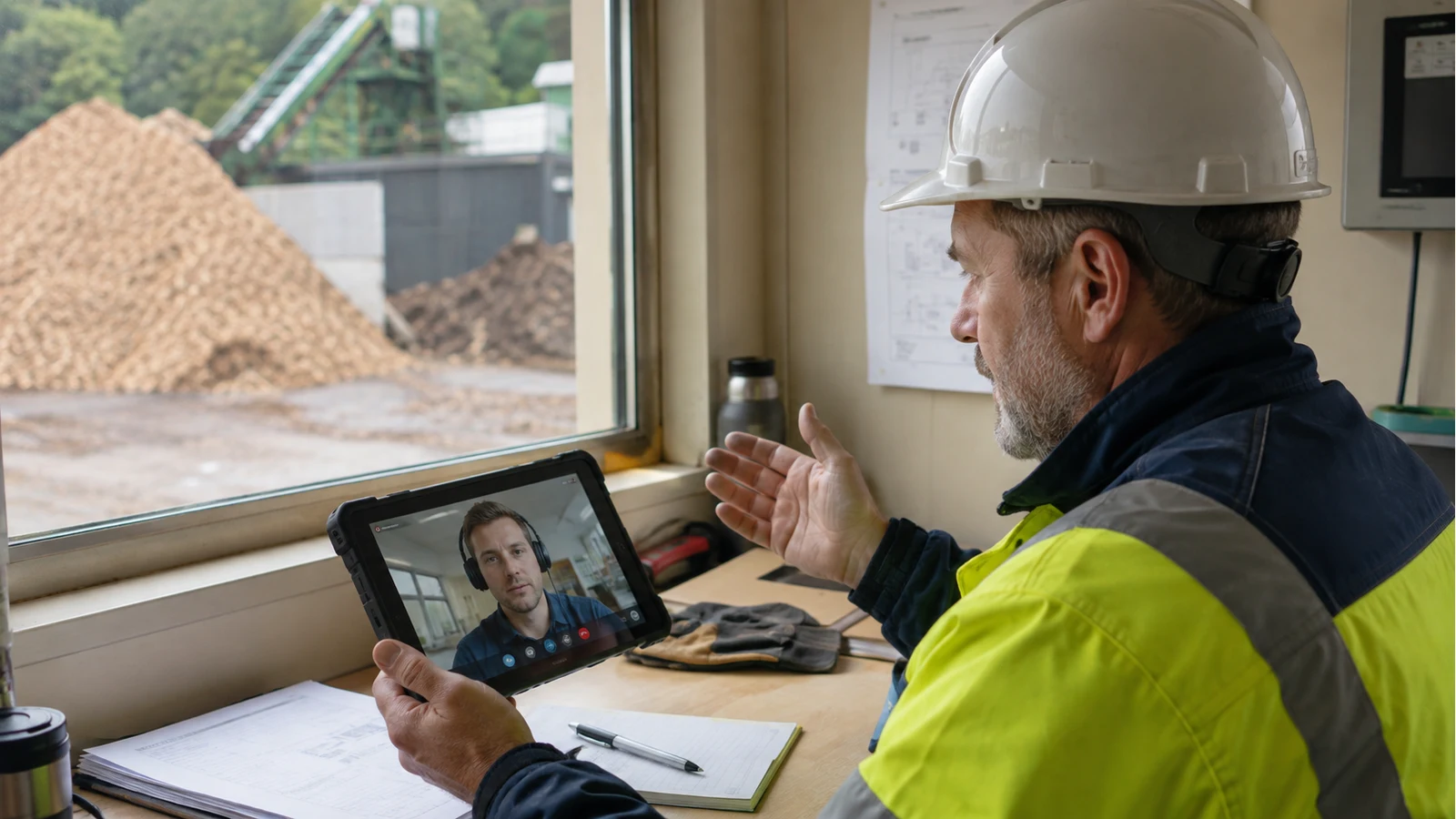
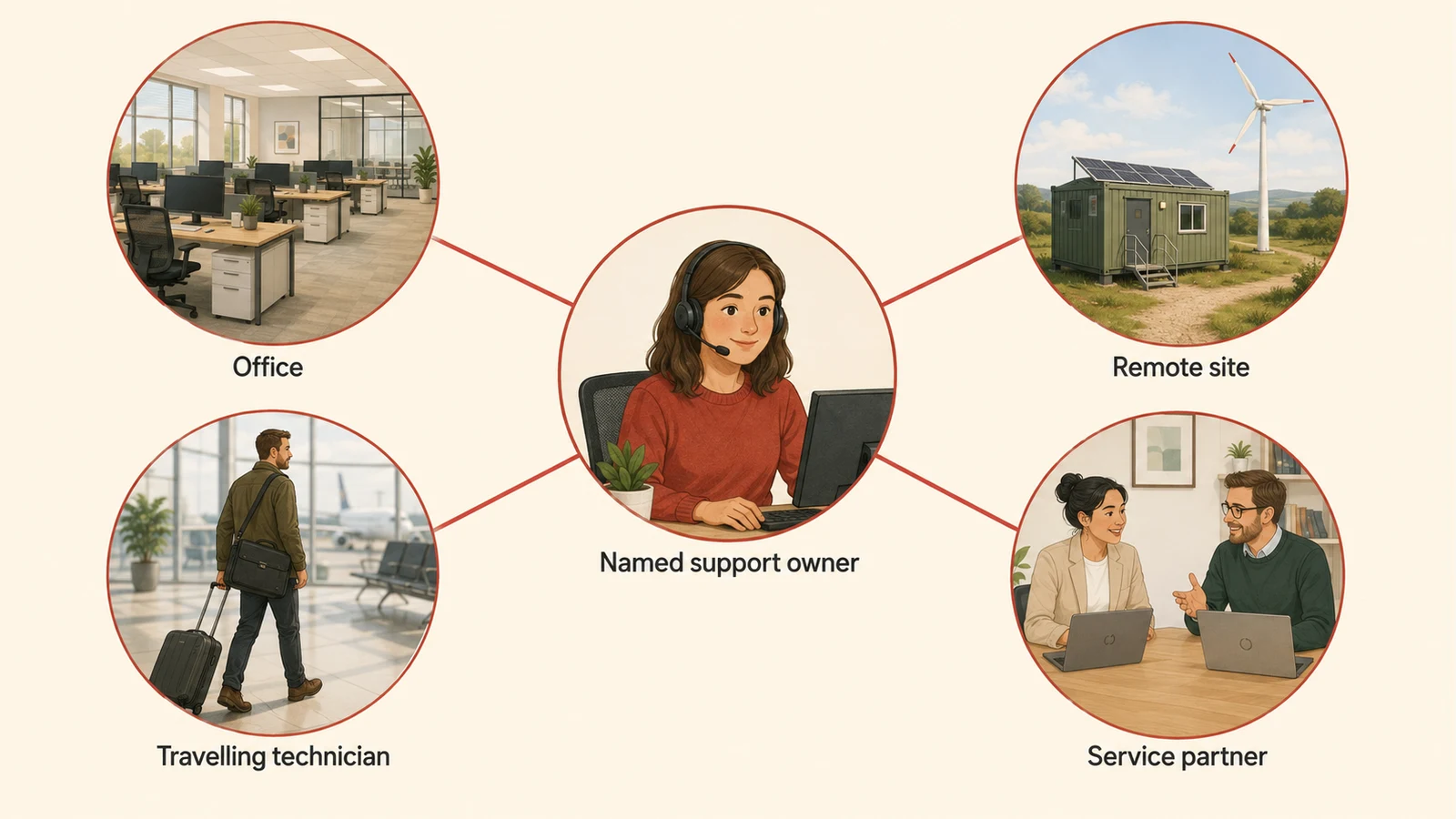
Map the work your support service must cover
Describe the different working situations across the business. Include site offices, travelling technicians, central operations staff, and people who support several locations.
For each group, identify the devices and applications they depend on, the hours they need support, and the practical effect of losing access. A minor inconvenience for one user may prevent another team from completing an essential handoff.
Agree which issues belong to the IT provider and which require an application vendor, connectivity supplier, or specialist equipment partner. Staff should have a clear first contact even when resolution involves more than one organisation.
Our guide to managed IT support explains the broader expectations around ownership and recurring improvements.
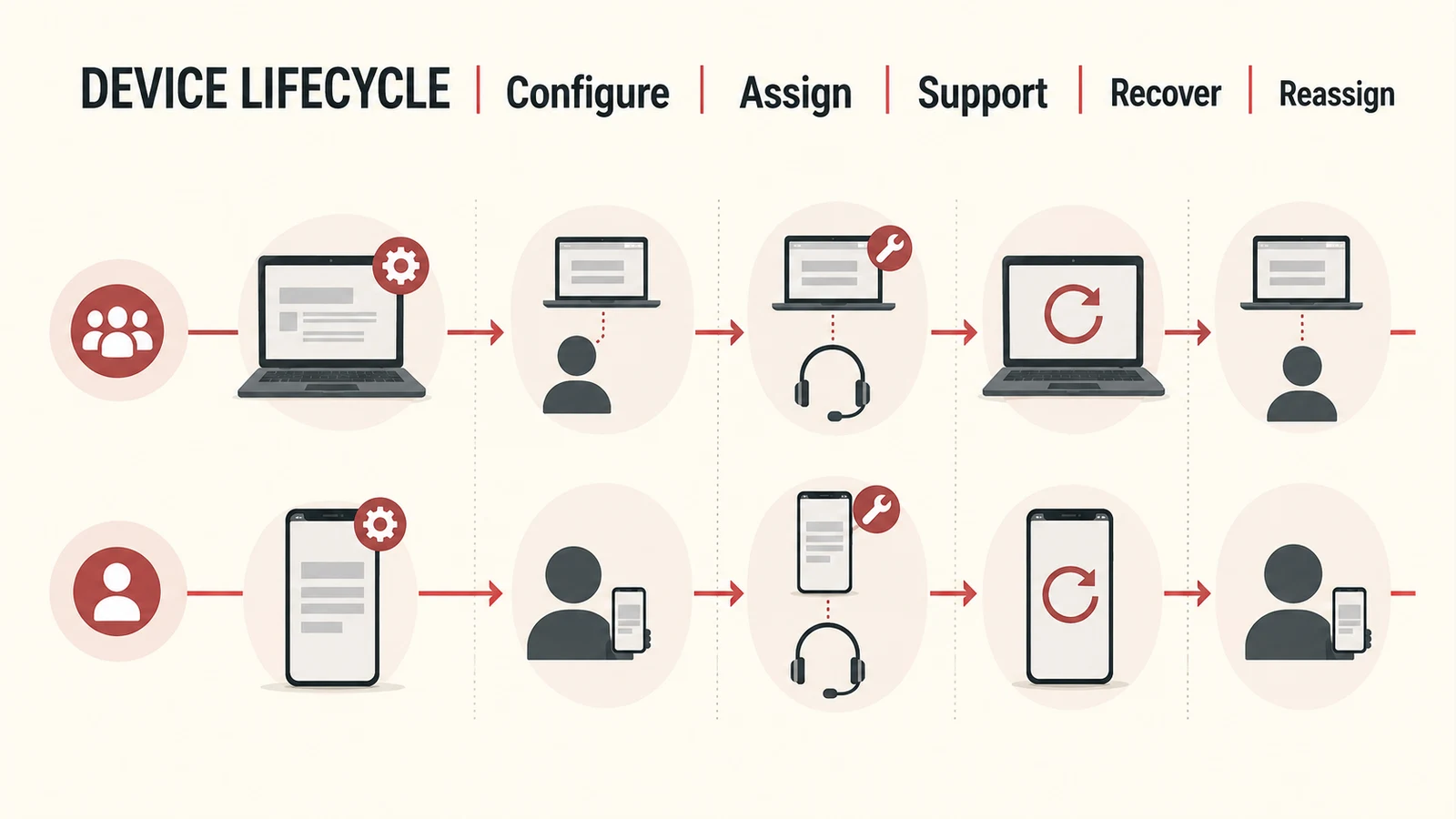
Choose a deliberate device model
Decide which roles need an individually assigned device, which can use shared equipment, and whether personal devices are appropriate for particular tasks.
Microsoft's frontline device guidance makes this distinction explicit and describes supported shared-device scenarios. The right arrangement depends on the applications, identity setup, and devices your team uses. Microsoft frontline device guidance.
A device plan should cover more than initial purchase:
| Stage | What the service should establish |
|---|---|
| Preparation | Required applications, settings, updates, and asset record |
| Assignment | The user or shared location responsible for the device |
| Daily use | Sign-in, document access, connectivity, and support route |
| Repair or loss | Reporting, replacement arrangements, and data-protection actions |
| Return | Account removal, information handling, and preparation for reuse |
Consider physical conditions and connectivity when selecting equipment. Validate that the required applications work in the intended environment before deploying the same setup widely.
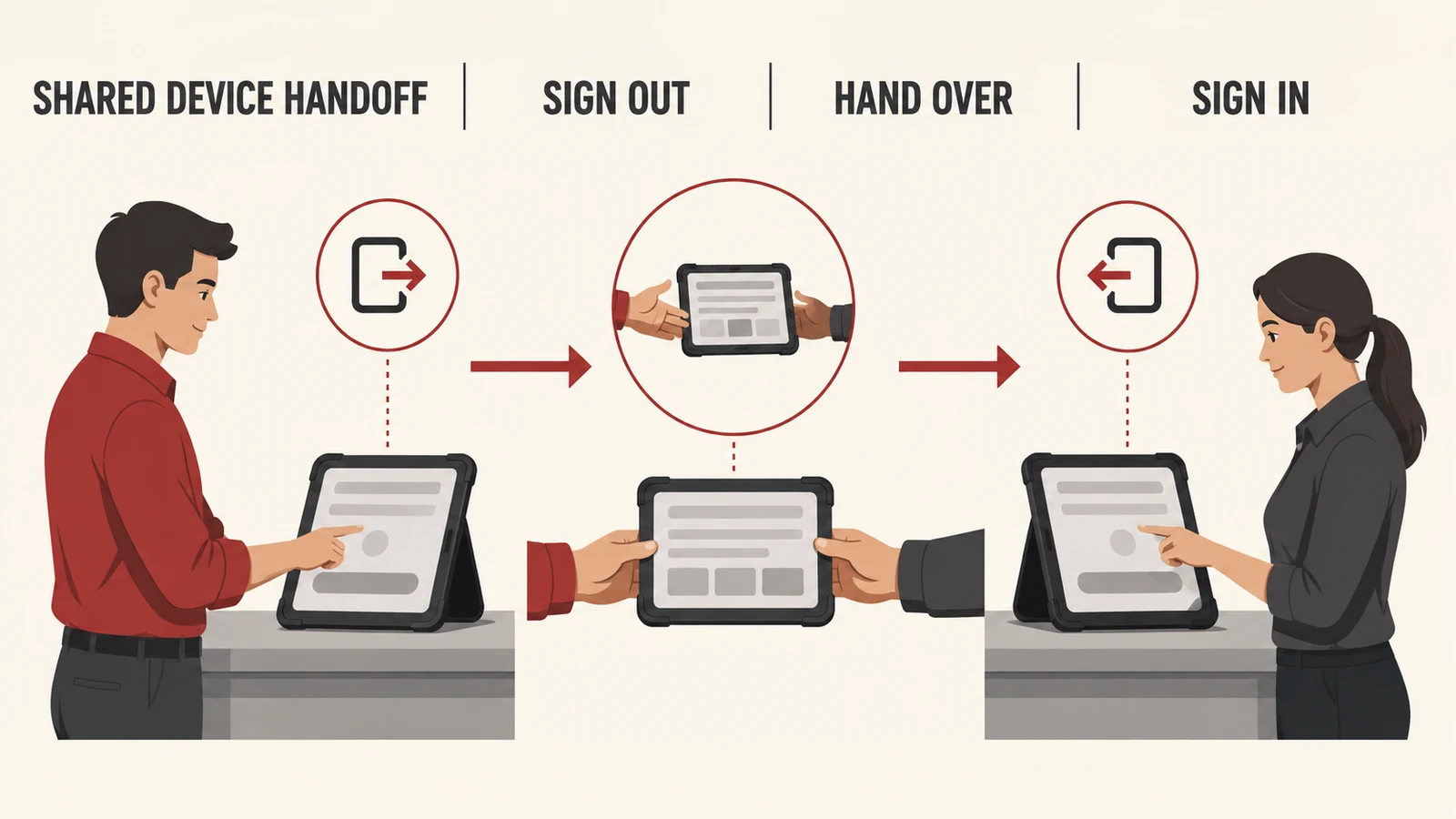
Make shared-device handoffs predictable
A shared tablet should have a clear start-of-shift and end-of-shift experience. Workers need to reach their authorised information without inheriting someone else's session.
Microsoft documents shared-device mode for supported frontline scenarios, including sign-in and sign-out behaviour across participating applications. Check compatibility rather than assuming every application on a device will follow the same rules. Microsoft shared-device guidance.
Test the whole handoff: signing out, returning the device, signing in as the next user, and confirming that the previous user's information is no longer available through the supported workflow.
Include the awkward cases. What happens if someone forgets to sign out? If a device is replaced mid-shift? If an application uses its own account and does not participate in the shared sign-out process?
Give people a dependable route to documents and updates
Choose where approved project information lives and how staff know they are using the current version. Shared folders, messages, and email attachments should not compete as unexplained sources of truth.
In an illustrative biomass service team, the field supervisor might need the current work pack, a way to submit completed records, and a named contact for unresolved questions. The support service should make that process usable from the site, not only from a desktop demonstration.
Collaboration platforms can support communication, task coordination, and digitised processes. Microsoft's frontline guidance outlines such scenarios across its tools; confirm the features and licences relevant to your organisation before defining the service around them. Microsoft frontline scenarios.
Where connectivity is unreliable, establish what can work offline, how approved copies are identified, and what happens when devices reconnect. Test conflicts and incomplete uploads in the applications you actually use.
Build onboarding and leavers into the service
A new starter should receive the access, equipment, and guidance needed for their role. Tie that setup to an approved request rather than repeating an informal collection of emails each time.
Use role-based checklists, but allow a responsible person to confirm exceptions. Staff moving between projects may need permissions changed without keeping every previous assignment's access.
For leavers, coordinate account removal, device return, business-record handover, and application access. Define who tells the provider about the change and how completion is confirmed.
Include temporary staff and service partners in the process. Their access may follow a shorter lifecycle, but it still needs a named owner and a clear end.
Ask how support works when work is interrupted
Clarify coverage hours and escalation arrangements. “Support included” does not explain what happens before a field shift, during travel, or when the usual contact is absent.
Separate response commitments from resolution expectations. Ask who takes ownership, how urgent issues are classified, and how the team receives updates when another supplier is involved.
Define a lost-device route that staff can use without access to the lost device. Establish how accounts are protected, how replacement work is arranged, and which information the support team needs first.
Review recurring issues as a pattern. If the same synchronisation problem affects every site visit, the service should investigate the cause and propose a change rather than simply close each ticket.
Test recovery of the information people need
Identify the business data that must be recoverable and who is responsible for protecting it. Check the actual protection and recovery arrangements for each service rather than assuming that information is recoverable because it is stored in the cloud.
Choose representative recovery tasks: restoring a deleted work record, regaining access after an account problem, or replacing a damaged device without losing essential information. Agree acceptable interruption and data-loss tolerances with the business.
Our backup and recovery guide explains why recovery needs to be demonstrated through practical tests.
Compare providers with field scenarios
Give potential providers a few realistic situations and ask them to describe the complete response. Include a shared-device handoff, a new starter before a site visit, a lost tablet, and an application failure involving an external vendor.
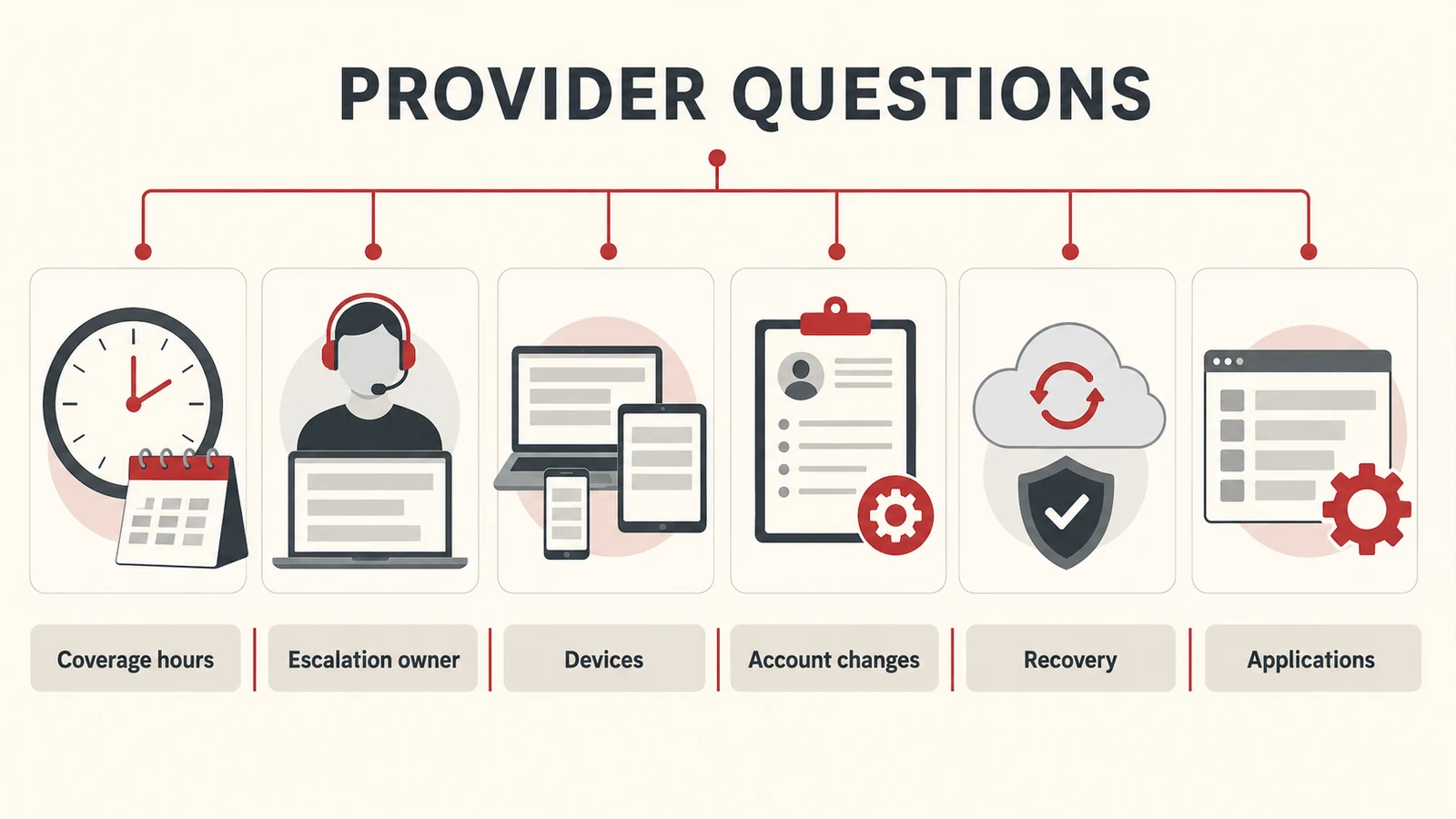
Ask for clear answers on coverage hours, supported devices and applications, escalation ownership, account changes, recovery checks, and reporting. Confirm where additional work would sit outside the agreed service.
During onboarding, establish a baseline inventory and a prioritised improvement list. Review whether people can complete their work with fewer unresolved interruptions, alongside service measures such as response and resolution handling.
Common questions
Can a small field team use managed IT?
Yes. The scope can be built around a small number of users and the systems they depend on. Clear ownership is useful even before a business has many locations.
Do we have to standardise every device immediately?
Start by understanding the current estate and its risks. Agree a practical support baseline and a replacement plan for equipment that cannot meet it.
Does managed IT include industrial equipment support?
Only if that responsibility is explicitly agreed with the appropriate expertise. Define the boundary between business IT, application support, and specialist operational systems.
Support the way your office and field teams work
Remova Tech provides managed IT and support for renewable-energy businesses. Tell us how your teams work, which systems they rely on, and where support breaks down, and we can help define a practical service scope.